
Using a Priority Queue to Orchestrate Animations
March 17, 2025
•
11 min read
Problem
I have some interesting logic on my Blog Posts page that animates a Blog Post card onto the screen upon being visible to the user. The intended effect I required was for the Blog Post cards to animate onto the screen one after another. This is not an easy task, as Blog Post cards are unaware of what row they sit in, or even what index they are (and nor should they). They should be agnostic as to whether they are rendered in a list, grid or as a singular entity. This is one of the keys to building reusable components.
Current behaviour
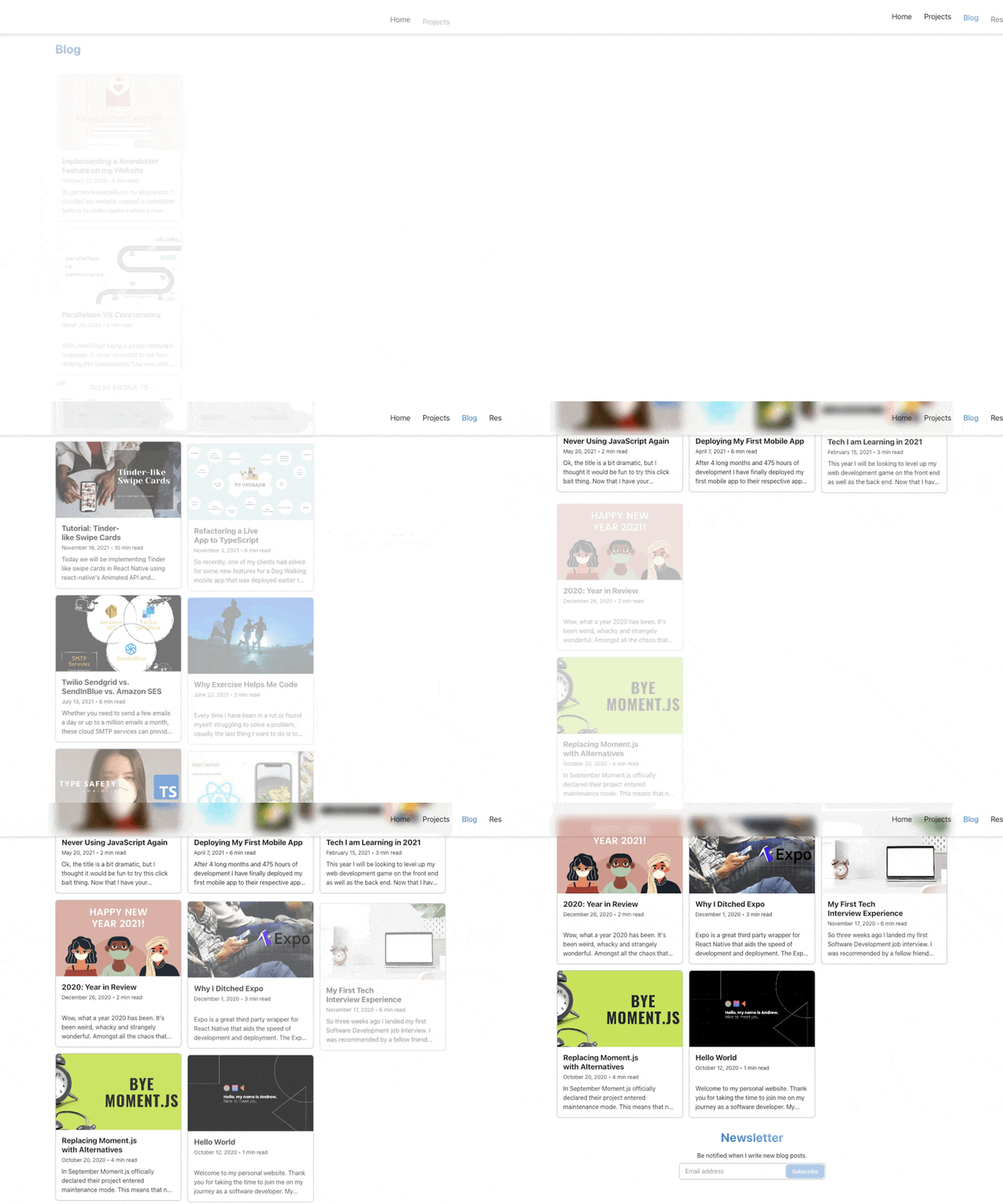
When multiple rows are detected on the screen, they all animate simultaneously. For example, if rows 2 and 3 are visible, card 4 (row 2) & card 7 (row 3) appear at the same time, then card 5 (row 2) & card 8 (row 3) after, and so on. So the animation may look something like this:
[4, 7] -> [5, 8] -> [6, 9]
Desired behaviour
This is not ideal because we ideally want the cards from row 3 to only animate after all the cards from row 2 are finished. So it should be like this:
[4] -> [5] -> [6] -> [7] -> [8] -> [9]
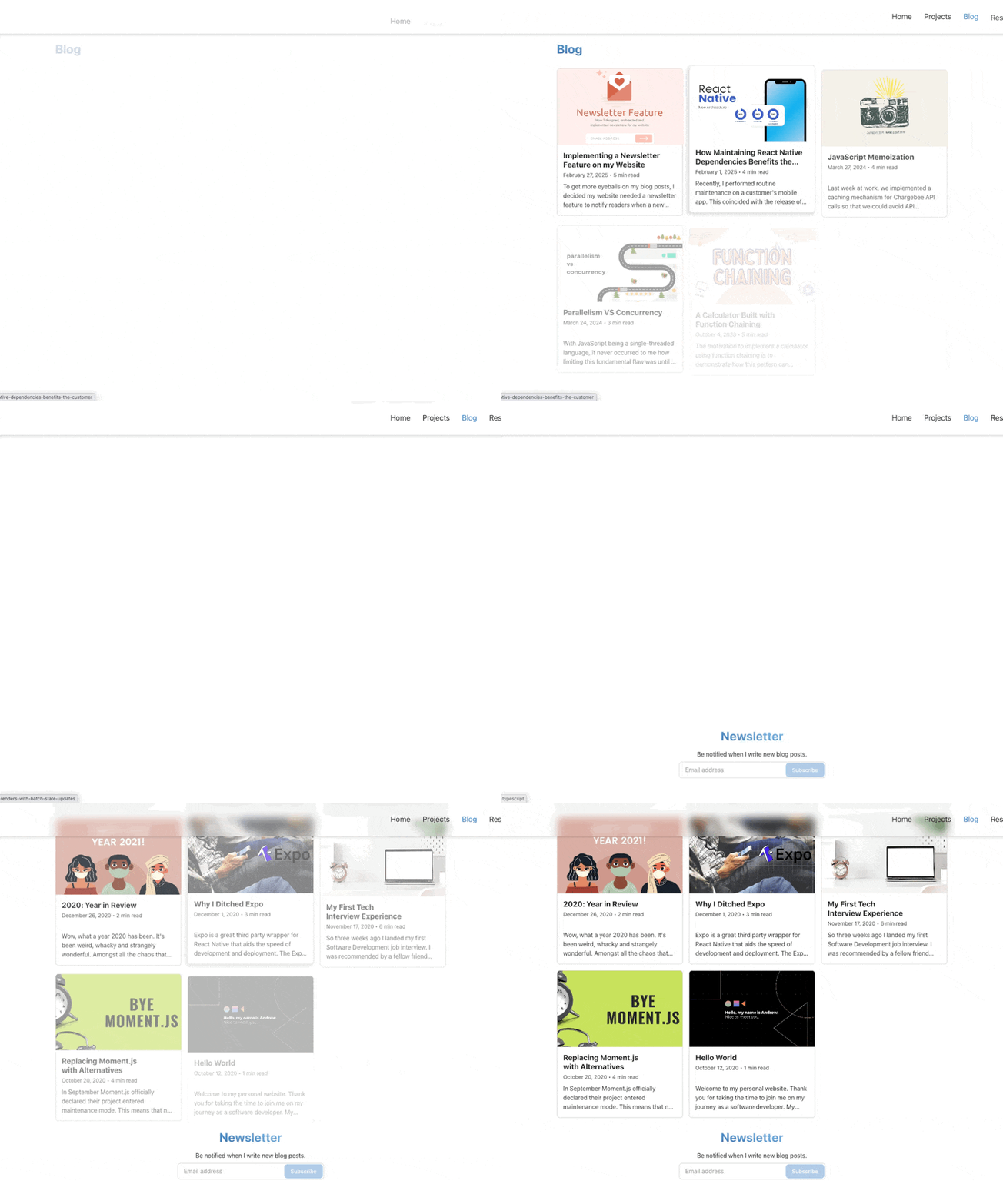
Because the Blog Post cards do not know what rows they're in or what other cards have been animated, it's hard to know when a Blog Post card should animate.
Solution
For cards to animate at the same time, I decided to implement a priority queue to process the orchestration of the animations. The parent BlogPostPreviewsGrid spawns a priority queue and assigns each BlgPostCard with a priority, based on their index. The lower the number, the higher its priority. This means we can use a min-binary heap under the hood for our priority queue. This will give us O(log n) time complexity for enqueue/dequeue and O(n) space complexity, with the use of an array to hold the nodes.
Priority queue class
To implement a generic priority queue, we need to use a Node<T> to store our generic data and a priority assigned against it. In our case, our BlogPost will be our T.
priority-queue-node.ts
Next, we need to implement our actual queue. This is a simple PriorityQueue class with exposed methods of enqueue and dequeue, and properties of next and size.
priority-queue.ts
Priority queue hook
Now we want to consume the PriorityQueue class as a reusable hook in React. The hook exposes the enqueue and dequeue methods from the class as well as the result of next and size every time the queue is updated.
use-priority-queue.ts
Parent component
blog-post-previews-grid.tsx
Child component
The child component reports back to the parent when it is in the user's view (using an intersection observer) via the onInView() props. This gives the signal to the parent to enqueue the child to the priority queue using its index as the priority number. When the child is at the front of the queue (seen via the next variable), that is how the parent signals to the child to imperatively start its animation (via the shouldReveal prop). Once it starts its animation, the child reports back to its parent via the onRevealed() prop so that the parent can dequeue the child from the priority queue.
blog-post-card.tsx
Gotchas
Because our usePriorityQueue hook returns an object, we must ensure we return a memoized object. Every time our hook consumer re-renders, it will create a new object on every render. If we pass this object around, it will cause unnecessary renders.
use-priority-queue.ts
On the child component, we need to track whether we have animated or not. If we don't, our child could end up multiple times in the queue when the Blog Post card exits and enters the user's view. We can simply keep track using a useRef() which won't trigger a re-render. Failure to do this will trigger an infinite loop of entering and exiting the priority queue.
blog-post-card.tsx